Kitty?
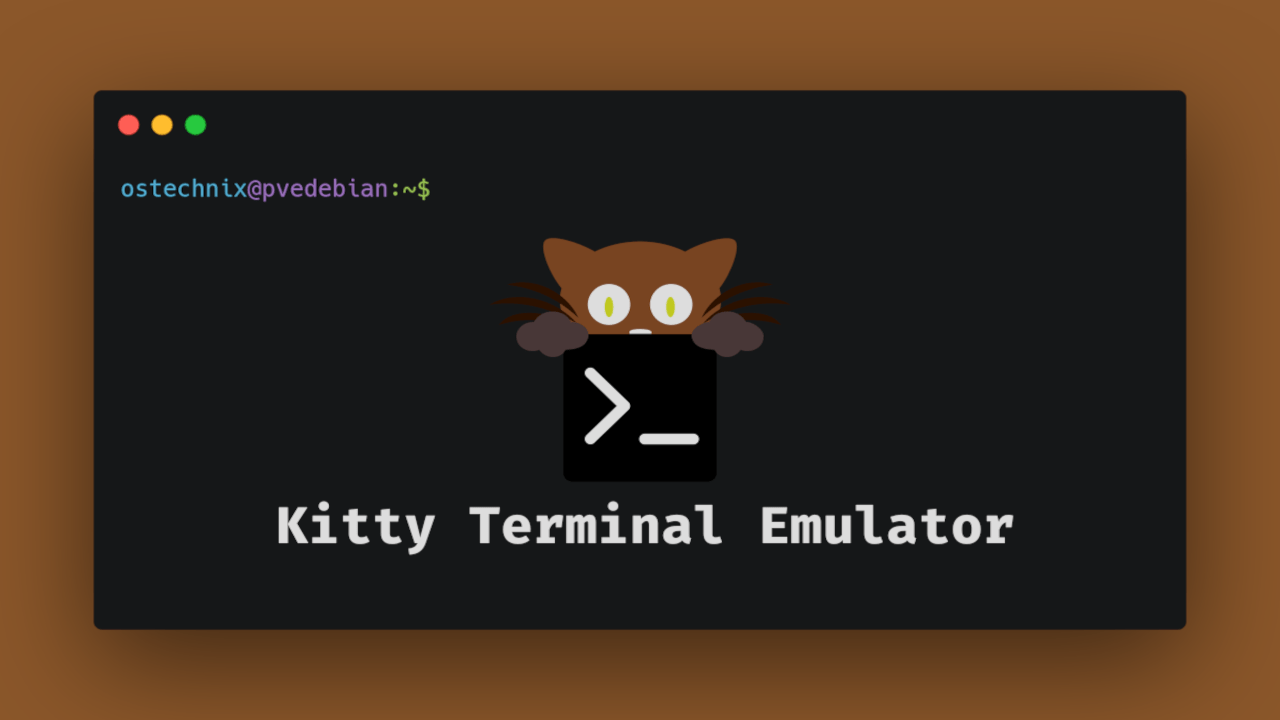
The Kitty that people commonly think of might be a character. I thought so too. But while customizing my computer before, I discovered this thing called Kitty when customizing the terminal. Simply put, it’s like iTerm2 for MacBook.
Why did I choose Kitty among many other third-party terminal programs:
- GPU acceleration capability
- The existence of “Kitten”
- Customization
Now let’s look at each feature.
-
GPU acceleration capability: When rendering in the terminal, it uses GPU instead of CPU to show very fast and smooth scrolling and input response speed. You can especially feel the difference when there’s a lot of text or when opening multiple terminal windows. Of course, it’s not just Kitty that has GPU acceleration. (Alacritty, WezTerm, etc.)
-
“Kitten”: These are small programs built into Kitty. Various features are loaded such as icat, diff, theme, Unicode input, etc. Here’s a simple example:
image kitten
- Customization: It’s amazingly free to customize. Basically, you can customize all features differently as you like: font, font size, font colors (commands, URLs, etc. each separately), terminal colors, terminal window opacity, cursor shape, themes, shortcuts, etc. This is especially excellent because Linux distros don’t provide themes as comprehensively as Windows or Mac, so being able to unify different themes for terminal, browser, background, apps, etc. is a huge advantage from the user’s perspective.
Installation Method
Installation is very simple. Just one command and you’re done.
// macOS
brew install kitty

// Linux/WSL (Ubuntu/Debian)
sudo apt install kitty

// Linux (Arch)
sudo pacman -S kitty
// macOS
brew install kitty

// Linux/WSL (Ubuntu/Debian)
sudo apt install kitty

// Linux (Arch)
sudo pacman -S kitty
// Configuration setting in my environment
// ~/.config/kitty/kitty.conf
// Configuration setting in my environment
// ~/.config/kitty/kitty.conf
You can check how to configure at the link below.
As you can see from the link above, for a terminal setting, it’s very long, very long, and very long. So just pick out the features that suit you.
So Why Did I Choose Kitty?

Of course, there are terminals with more powerful features like Alacritty and WezTerm mentioned above, but if you ask why I chose Kitty, it’s because of the existence of “Kitten”. Honestly, from a philosophical perspective, Alacritty focuses on the rendering part and WezTerm focuses on the customization part, so you could say they’re more powerful in those aspects.
Kitty is an all-in-one kind of terminal, so I chose Kitty. (Of course, I didn’t think too deeply during the initial setup.) And currently, there are no inconveniences at all, and I’ll continue to use Kitty, but I also want to try Alacritty.
Today I wrote briefly and simply. To begin with, when choosing a terminal program, there’s no need to explain at length - the answer is to choose the terminal you like, so I just briefly scribbled about the terminal I currently use.
Comments