Why Do I Really Use It?
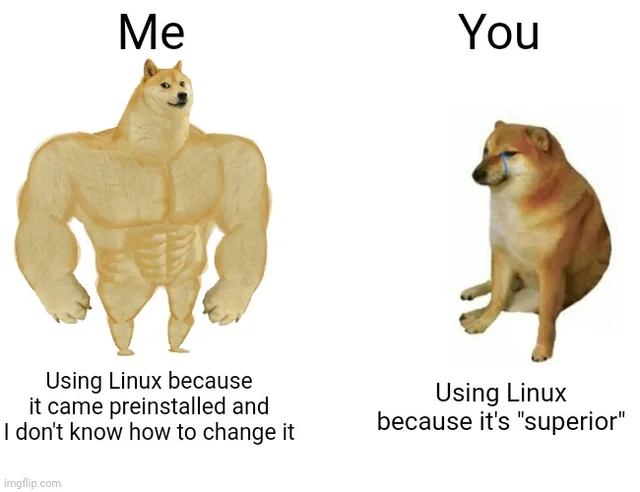
Many colleagues and friends ask me, “Why do you use that?”
I’ve never thought deeply about it. I just somehow felt like I wanted to try living in a Linux environment.
So if someone asks, “Do you regret it now?” or “Do you want to go back to Windows or Mac?”, my answer is “NO”. Let’s explore why my answer is “NO”.
Open Source
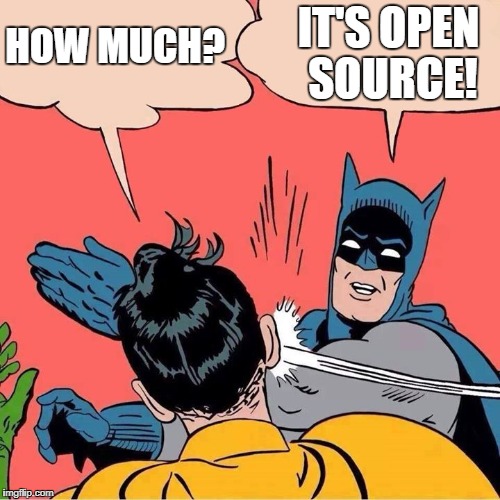
This might be the most definitive answer. Since large and small companies need to generate profits, Linux users who make up only 3-4% of the global market inevitably become a lower priority. As a result, Linux users have historically created and shared free programs within their own communities.
For example:
- kdenlive: Video editing software (replaces Premiere Pro)
- inkscape: Illustration tool (replaces Illustrator)
- gimp: Image editing tool (replaces Photoshop)
- libreoffice: Document editing suite (replaces Word, Excel, PowerPoint)
And many more programs are available as alternatives. Even games like Steam and Minecraft can run. However, games with anti-cheat software (like Riot Vanguard) cannot be executed.
Since gaming isn’t a priority for me, I can comfortably live with open source software. While it’s true that the alternative programs mentioned above are also available on Windows and Mac, and some paid programs do support Linux, I choose Linux for the financial benefits and the ability to effectively utilize other open source tools.
Development Environment
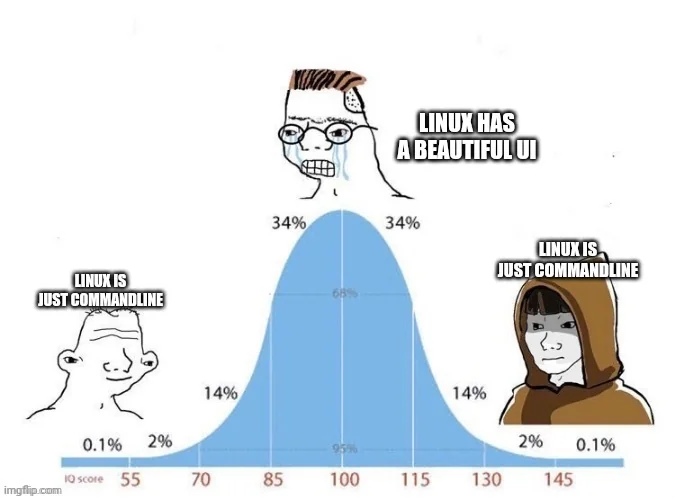
While this can be experienced in a Mac environment as well, terminal usage has become much more ingrained in my daily life since switching to Linux. Initially, I couldn’t function without the terminal, but even now there are many tasks that can only be done through the terminal. CLI has become more familiar than GUI, and there are several advantages while developing, which is why I chose Linux. (Of course, the development environment is similar across Mac and Windows.)
WM, DE

When I first encountered Linux, what made me realize how vast the Linux world truly is was probably the WM (Window Manager) and DE (Desktop Environment). There are various environments like Sway, i3, Awesome, Gnome, KDE, XFCE, Hyprland, and more, each offering different personalities to users. Simply changing these environments gives you the feeling of using a completely different PC. I currently use Hyprland, and I really love its tiling system and the freedom to customize. This gives me a clear reason to choose Linux over Windows and Mac environments that cannot provide this kind of experience.
Being in a Linux Environment Means…

“Hey everyone, Linux is great, so switch to Linux!”
I absolutely cannot say that. Even to developers, I’d rather tell them to just use Windows or a MacBook. Even if it’s not an ultra-lightweight Linux like mine, it takes at least 3 days just to set up, and if you’re using an ultra-lightweight environment like Hyprland as I do, it could take over a month. Even AI tends to fall short on specialized or niche aspects, so I relied heavily on Google and Reddit for help in setting it up. Only after spending all this time can you finally have basic UI features like WiFi connection, battery status, and lock screen. (Of course, this is limited to ultra-lightweight Linux. Before setting it up, everything was controlled via terminal commands.)
However, I do want to say “just dip your toes into the Linux environment”. These days, there are many ways to experience Linux through dual booting or VMs, so you can try it out and feel what the Linux environment is like.
By the way, MacBooks can also have a Linux environment depending on the chipset. (Notably, Asahi Linux)
I’ll write some posts explaining programs I actually use.
Recommended Helpful Websites
I thought about how to wrap this up, so I’ll recommend about 3 websites that were very helpful when diving into the Linux environment. They’re useful even if you’re not using it as your main OS but for things like servers, and by the way, they’re all free. Some are even distributed as open source, so check them out.
-
Linuxjourney New to Linux? Then I recommend this site. It’s free and an excellent site for learning basic syntax. There’s also a Korean version, so if you’re just starting out, I recommend this site.
-
tldr Of course, you can check command functions and additional features through man or -help, but this site allows you to check those features, and additionally, if you check InBrowser.App next to GitHub, you can use useful features for free, so bookmark it and use it when needed.
-
overthewire(wargames) This site allows you to naturally learn Linux commands by clearing levels like a mock hacking game. The method is to find the SSH key for the next level through the given SSH information and proceed. As the level increases, it gets harder and closer to actual hacking methods, so if you’re simply trying to learn Linux commands, you don’t need to complete everything.
Comments